
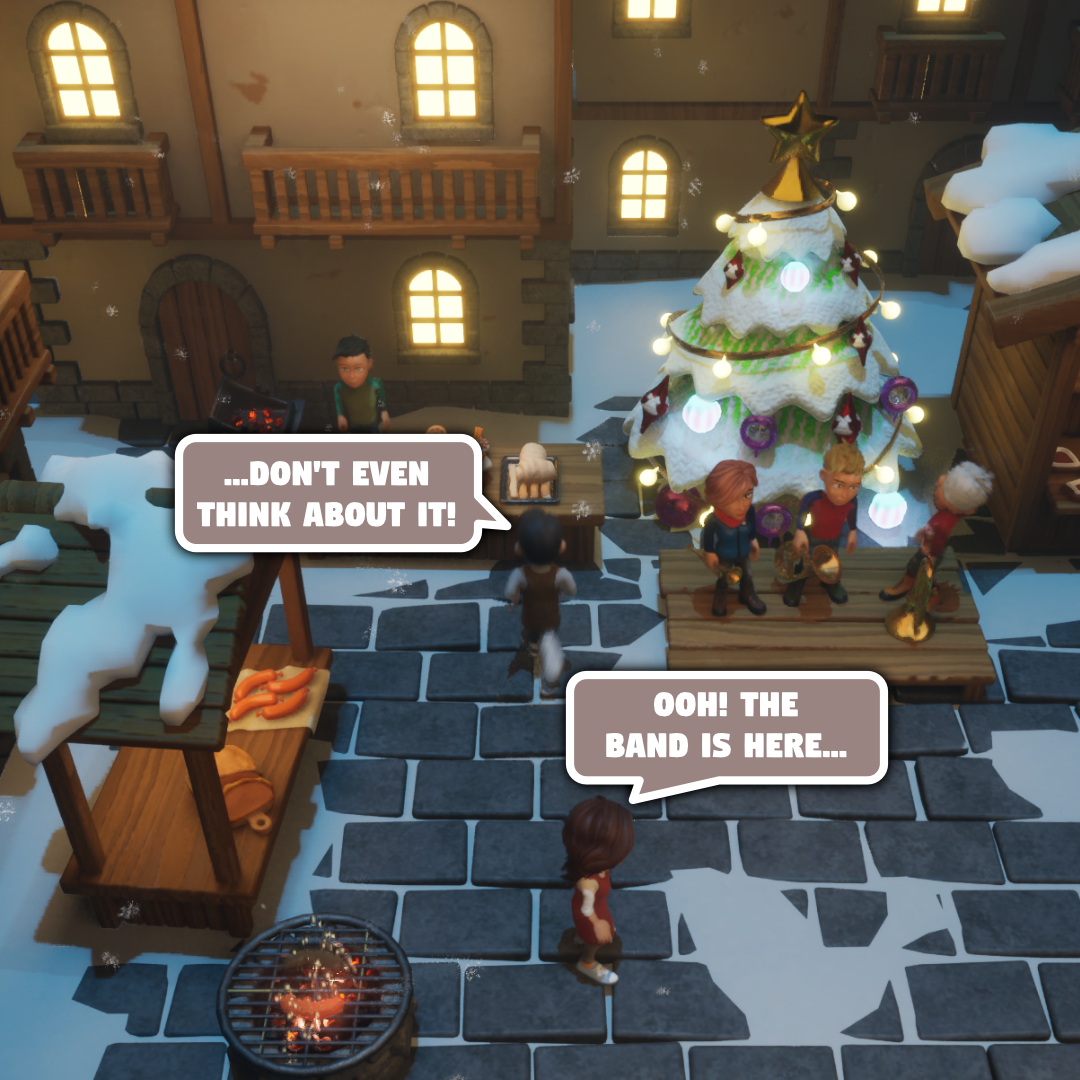
In the Christmas 1 level, we wanted to add a Christmas band as a small fun NPC. If the player gives them any drink or food, they’ll play a tune. (Obviously, if the players ignore the band, they get no tunes.) So far, so easy. But we also wanted to make sure that the tune the band plays does not clash with the background music; Ben Randall, our musician par excellence, composed the music with the three mix-in brass band tunes to be played at 20 second marks. In other words, we have:
- Background music
- Tune to be mixed-in at 0, 60, 120 seconds
- Tune to be mixed-in at 20, 80, 140 seconds
- Tune to be mixed-in at 40, 100, 160 seconds
A naive approach of simply measuring the world time in the band’s OnTick function and starting a secondary audio playback is a terrible idea: apart from being a horrible hack, you will almost inevitably end up being a few or a few tens of milliseconds off. Even a few ms lag sounds simply terrible.
MetaSound to the rescue
We use MetaSound at the core of KOPI’s sound system, so it only makes sense to use that to ensure sample-precise mixing of extra samples. Defining the MetaSound blueprint is relatively straight-forward. We have the main asset to be played, and we can set the mixin asset and the cue ID at which the mixin asset should be played.

In the band NPC actor, we have a “table” of Time => (CueId, Asset). If a tune is requested, the actor checks the current audio time, and then sets the next MixinCueId and Mixin whose Time >= UWorld::GetAudioTimeSeconds() (in reality, we are a little conservative and add enough time to allow even remote players to be able to catch up, so it’s more like Time >= UWorld::GetAudioTimeSeconds() + 1.f.) The entire MetaSound blueprint is shown below.

Cue IDs in WAV files
The final piece of the puzzle is how to save the cue IDs in your wav files. Our [sound] rendered WAV files did not include the cue IDs, so we needed to find a way to add them to the WAV metadata post-rendering. We used BWF MetaEdit to add the cue metadata at the appropriate sample locations. (BWF MetaEdit lets you use time or sample number, though what is stored is always the sample number.)

With this definition, we are able to complete our “table”, giving us
| Time | CueId | MixinAsset |
|---|---|---|
| 20 | 1 | …_20.uasset |
| 40 | 2 | …_40.uasset |
| 60 | 3 | …_00.uasset |
| … | … | … |
| 140 | 7 | …_20.uasset |
| 160 | 8 | …_40.uasset |
And there it is; all that the band NPC actor has to do is to call the convenience SetMixinAtCueId method we added to our AKopiAmbientMusicActor.
void AKopiAmbientMusicActor::SetMixinAtCueId(const UObject *WorldContext,
  USoundWave *SoundWave, const int CueId) {
	const AKopiAmbientMusicActor *This = Get(WorldContext);
	This->AmbientMusic->SetWaveParameter("Mixin", SoundWave);
	This->AmbientMusic->SetIntParameter("MixinCueId", CueId);
}